One email with the download, then a few quiet ones. Leave whenever you like. Privacy.
What it does.
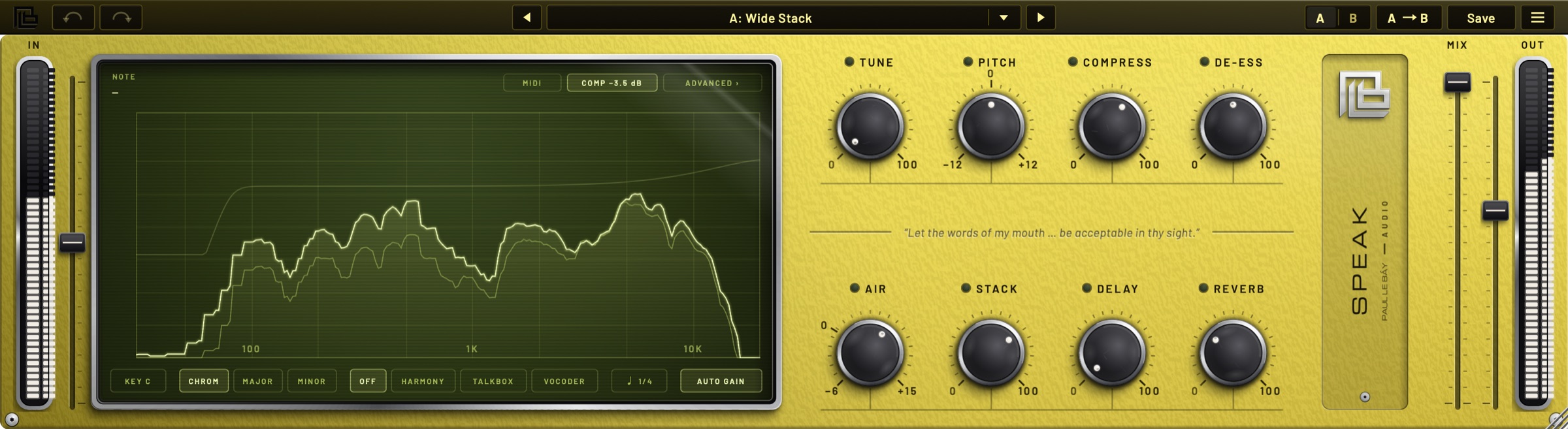
Hold a dial and the screen shows it. Click its name and its settings stay.
Stack
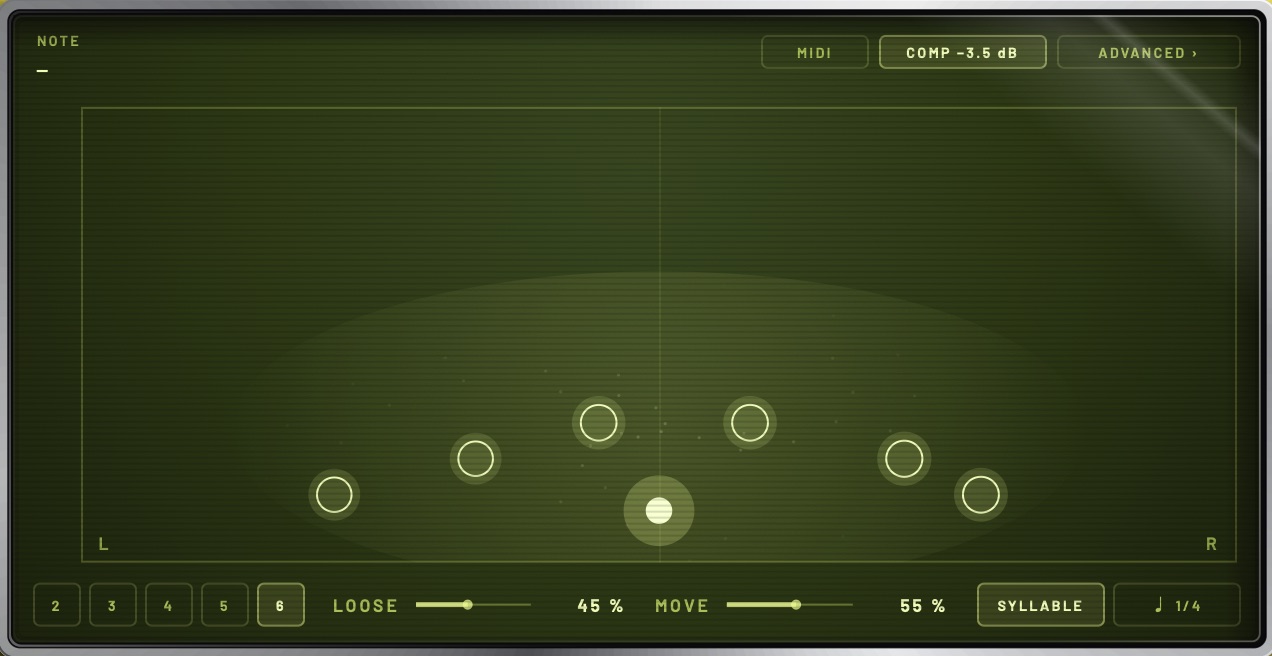
Voices behind yours.
Two to six doubles, each a little off in time and tune, swinging word by word. On the syllable, or on the beat.
Robot
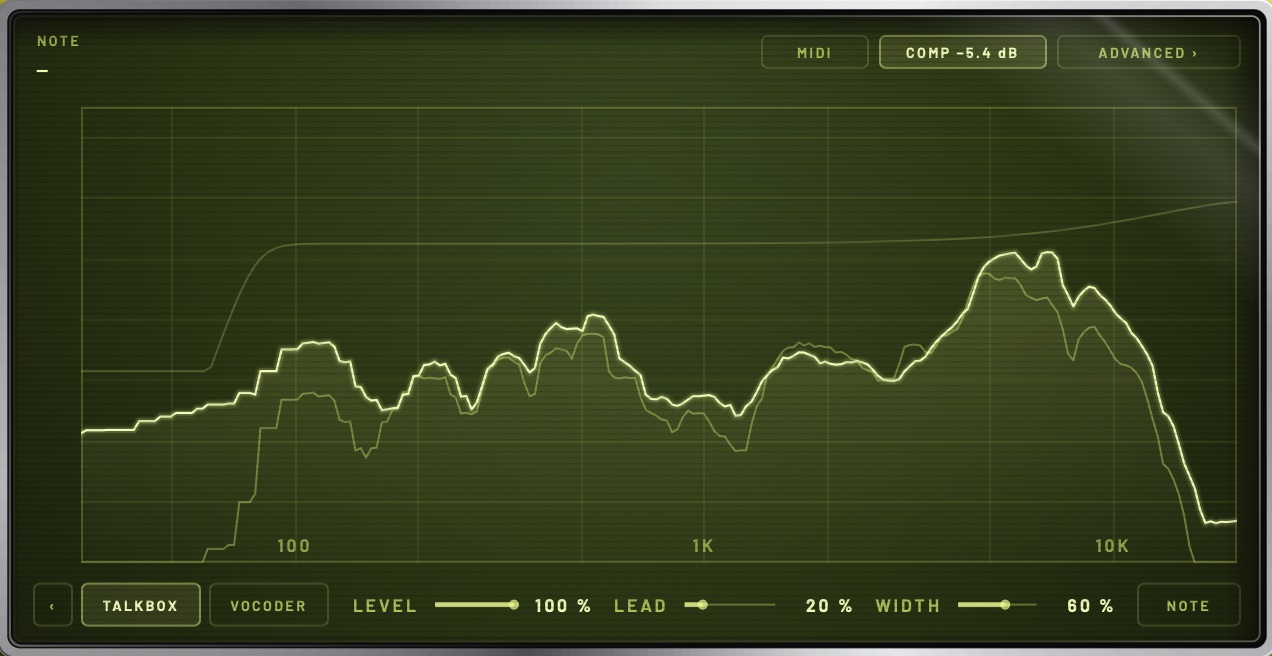
Let it sing.
A talkbox or a vocoder, shaped by your mouth. Play it chords from your MIDI, or let it follow the key.
Spoken
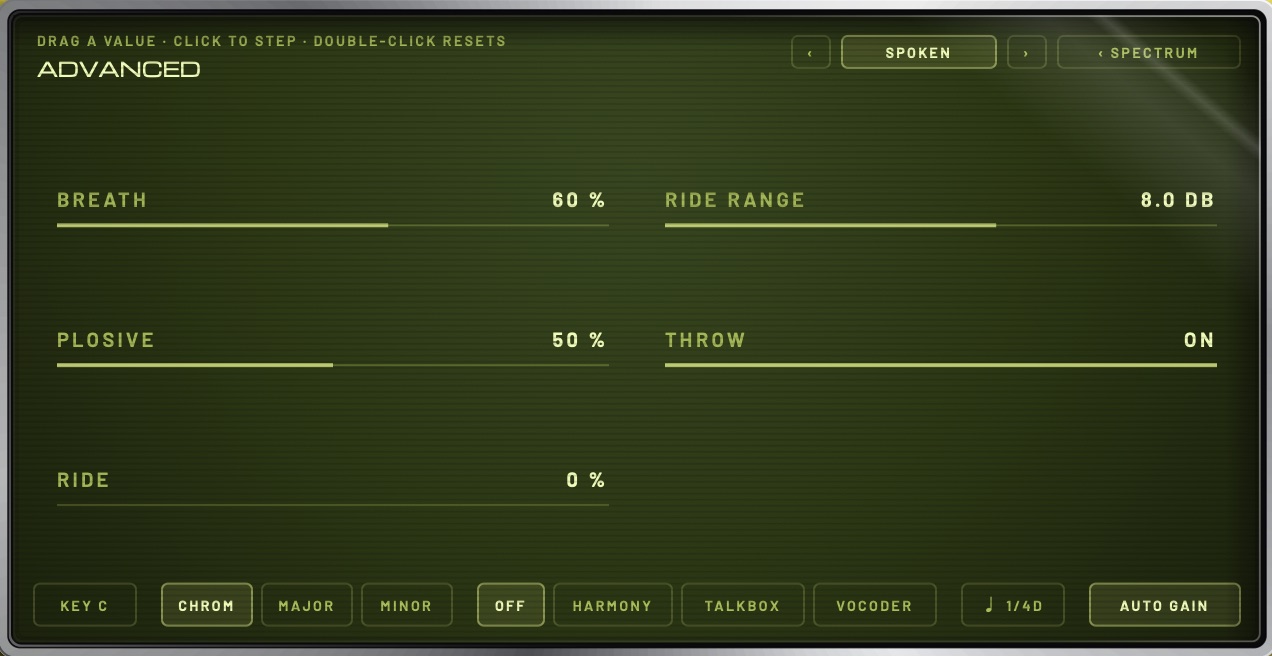
The editing, done.
BREATH turns the breaths down. PLOSIVE catches the pops. RIDE brings every word to the same weight. THROW sends only the end of each line into the echoes.
Tune
In key, as far as you like.
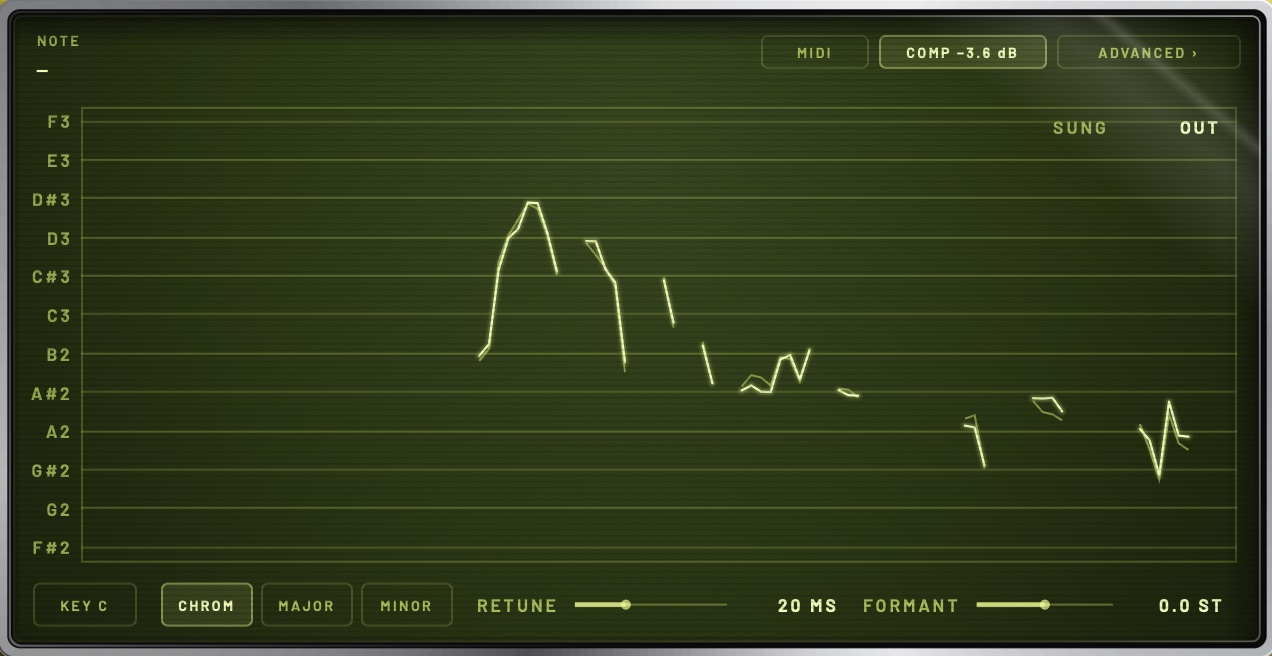
From a gentle pull to the hard edge. The screen draws what you said and where it went.
Latency
Record through it.
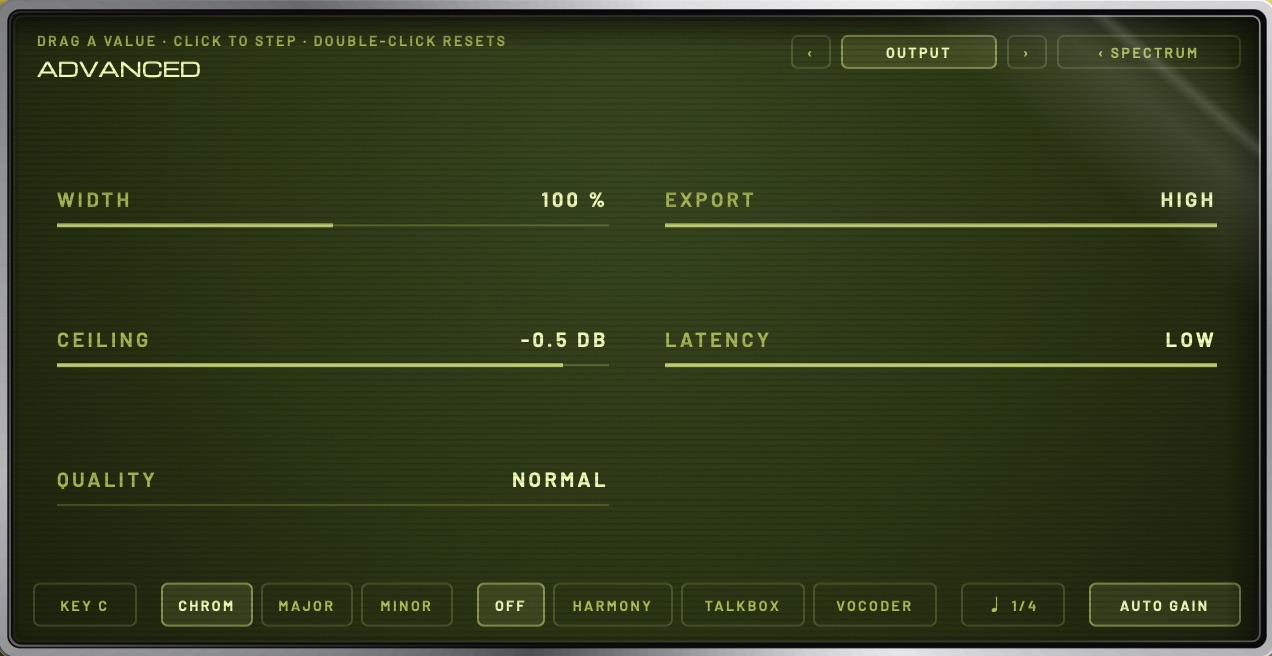
Switch LATENCY to LOW and it answers in 1.6 ms, so you can perform into it. The pitch tools, the robot, BREATH and PLOSIVE rest until you switch back.
3%of one CPU core, everything on
1.6msto record through it, latency low
16presets to start from
13pages underneath, when you want them
Let the words of my mouth… be acceptable in thy sight.
Psalm 19 : 14
Formats
VST3 · AU64-bit
Mac
macOS 11 or laterApple Silicon and Intel
Windows
Windows 10 or later64-bit, VST3
Price
FreeFor an email address
Before you install.
SPEAK is not signed yet, so your computer will ask once. This is what to expect.
My Mac says it can't check the installer
The installer isn't notarised by Apple yet. On macOS 15 or newer: click Done, open System Settings → Privacy & Security, scroll down, click Open Anyway next to the installer's name, and confirm. On macOS 11 to 14: Control-click the installer, choose Open, then Open again.
Windows says it protected my PC
That is SmartScreen, which hasn't met SPEAK yet. Click More info, then Run anyway.
Where does it go, and how do I find it?
On a Mac the VST3 and AU go into /Library/Audio/Plug-Ins, for you or for every user. On Windows the VST3 goes into C:\Program Files\Common Files\VST3. Then rescan: in FL Studio, Options → Manage plugins → Find installed plugins; in Ableton Live, Settings → Plug-Ins → turn on Use VST3 Plug-In System Folders, then Rescan. It appears under PAUL LE BÁY AUDIO.
Why is it free?
It is the first thing out of the studio. This version is yours to keep.
What happens to my email address?
It gets you the download, a few short notes on using SPEAK, and word when something new is ready. Nothing else, and never passed on. Every email has a way out. The privacy note has the detail.
Something isn't right
Reply to any of the emails, or write to hello@paullebay.audio. It is a beta, and every note is read.
Free · Mac and Windows
Speak.
One email with the download, then a few quiet ones. Leave whenever you like. Privacy.